Every business owner eventually asks the same question: “Why isn’t my website showing up on Google?” If you’ve asked that recently, you’re exactly who this SEO for beginners guide is written for — no jargon-heavy technical deep dives, just what genuinely moves the needle.
I’ve watched businesses waste months chasing SEO tactics that stopped mattering years ago, while ignoring the fundamentals that still drive real results in 2026. Let’s fix that.
What SEO Actually Means, Without the Jargon
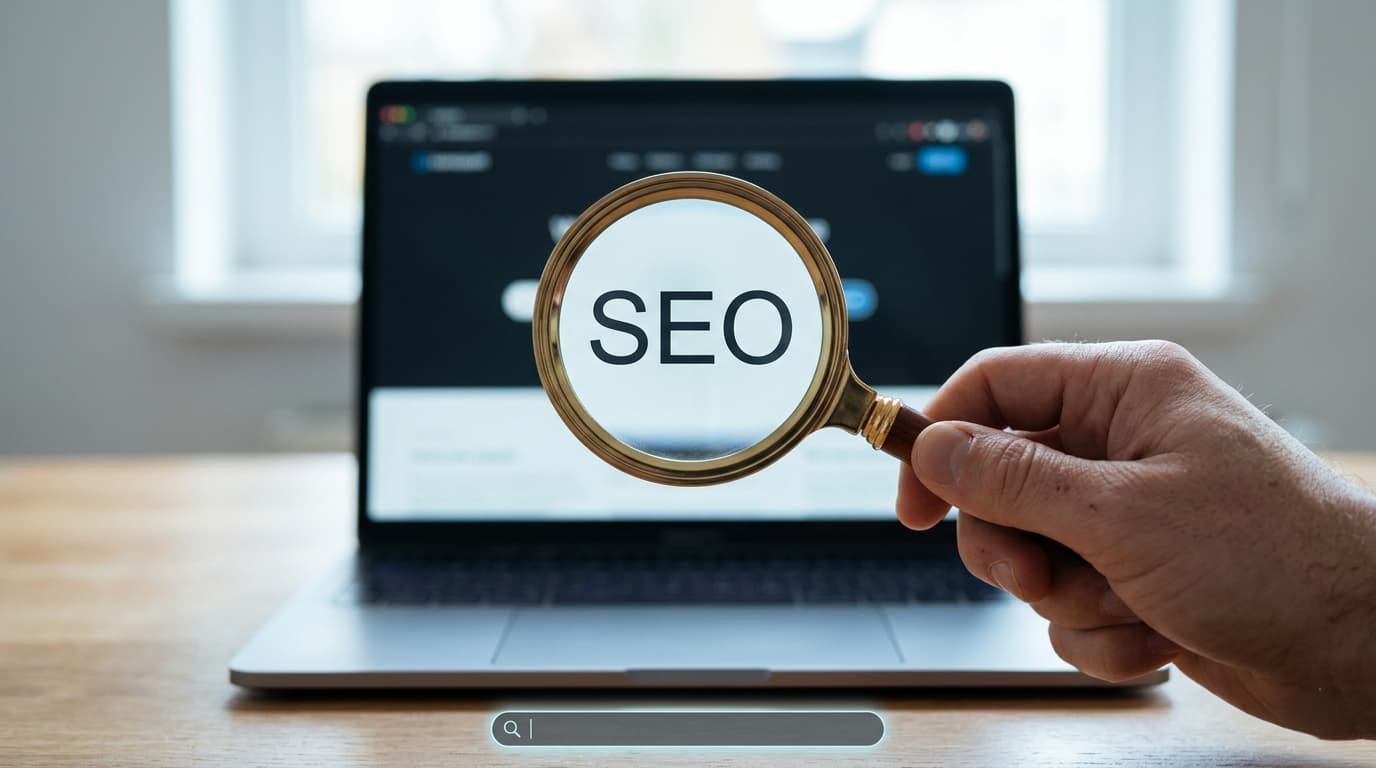
Quick answer: SEO (Search Engine Optimization) is the practice of improving your website so it ranks higher in search results for terms your potential customers are actually searching, driving free, ongoing traffic without paying for ads.
Related node: Social Media Marketing Strategy to Grow Your Brand in 2026 · Best Freelancing Websites to Find Clients in 2026 · 20 Low Investment Business Ideas for Beginners in India
Unlike paid ads, SEO traffic keeps flowing even after you stop actively working on a specific page — that compounding effect is exactly why it’s worth the initial investment of time.
Keyword Research: The Foundation Everything Else Builds On
Before writing anything, figure out what your actual customers type into Google. Free tools like Google’s own autocomplete suggestions, “People Also Ask” boxes, and Google Keyword Planner give a solid starting point without needing paid software.
- Prioritize keywords with clear buying or informational intent relevant to your business
- Don’t chase extremely competitive keywords early — target more specific, less competitive phrases first
- Match keywords to actual pages, don’t try to rank one page for everything
On-Page SEO Basics for Beginners
- Include your target keyword naturally in the title tag, ideally near the beginning
- Write a compelling meta description that encourages clicks, including the keyword
- Use the keyword naturally in your first paragraph and a few times throughout, without forcing it awkwardly
- Structure content with proper H2/H3 headings, making it scannable for both readers and Google
- Optimize images with descriptive, keyword-aware alt text
Picture a bakery’s website with a page titled simply “Products” instead of “Custom Birthday Cakes in Jaipur | [Bakery Name]” — the second version tells Google exactly what the page is about and matches what customers are actually searching.
Related node: Making Online Bookings Easier: What a Great Appointment Website Should Get Right · When Your Website Feels Outdated, It May Be Time for a Fresh Start
Technical SEO Basics You Shouldn’t Ignore
- Site speed — slow-loading pages hurt both rankings and user experience significantly
- Mobile-friendliness — the majority of searches now happen on mobile devices
- Secure connection (HTTPS) — a basic trust and ranking factor
- Clean URL structure — short, readable URLs perform better than long, cluttered ones
Content Quality Matters More Than Keyword Density
Google’s algorithms have gotten genuinely sophisticated at identifying content written purely to rank versus content that actually helps readers. Stuffing keywords unnaturally into thin, low-value content tends to backfire now more than ever. [link to related guide about content marketing strategy here]
Building Backlinks the Right Way
Backlinks — other websites linking to yours — remain a strong ranking signal, but chasing low-quality, spammy backlinks can actively harm your rankings now. Better approaches:
- Create genuinely useful, shareable content that naturally earns links
- Guest posting on relevant, reputable sites in your industry
- Building relationships with other businesses for legitimate collaboration and mentions
Local SEO for Small Businesses
If you serve customers in a specific area, local SEO matters enormously:
- Claim and fully complete your Google Business Profile
- Encourage genuine customer reviews consistently
- Include location-specific keywords naturally in your content
- Ensure your business name, address, and phone number are consistent across all online listings
Tracking Your SEO Progress
Use free tools like Google Search Console and Google Analytics to track which keywords are actually driving traffic, which pages perform best, and where you’re losing potential visitors. SEO results take time — typically 3-6 months for meaningful movement — so track consistently rather than judging results after just a few weeks.
FAQ
How long does SEO take to show results for beginners? Typically 3-6 months for meaningful ranking improvements, though this varies significantly based on competition and website age.
Do I need to hire an SEO expert as a beginner? Not necessarily initially — many beginners can implement solid on-page SEO themselves before considering professional help for more advanced technical work.
What’s the difference between on-page and off-page SEO? On-page SEO covers elements you control directly on your website (content, titles, structure); off-page covers external factors like backlinks and brand mentions.
Is SEO still worth it in 2026 with AI search tools growing? Yes, though the landscape is evolving — strong, genuinely useful content and technical fundamentals remain valuable regardless of how search interfaces change.
How many keywords should I target per page? Generally one primary keyword per page, with a few closely related secondary keywords woven in naturally.
Can I do SEO for free without any paid tools? Yes, Google Search Console, Google Analytics, and Google’s own search suggestions provide substantial free data for solid beginner-level SEO work.
Conclusion
This SEO for beginners guide covers the fundamentals that genuinely still matter in 2026 — solid keyword research, clean on-page structure, quality content, and patience for results to compound. Pick one page on your website this week and apply these basics properly before moving to the next, rather than trying to optimize everything at once.